

Most writers think the work is the writing. The bar they’re trying to clear is “make the content useful and good.”
That’s about half the job. The other half is packaging.
If you’ve ever published something you were really proud of… something genuinely useful, well-thought-out, full of real insight… and watched it land with a thud — almost no clicks, almost no engagement, almost no shares — the problem usually isn’t the content. The problem is the packaging.
Here’s what I mean.
The Cereal Aisle Problem
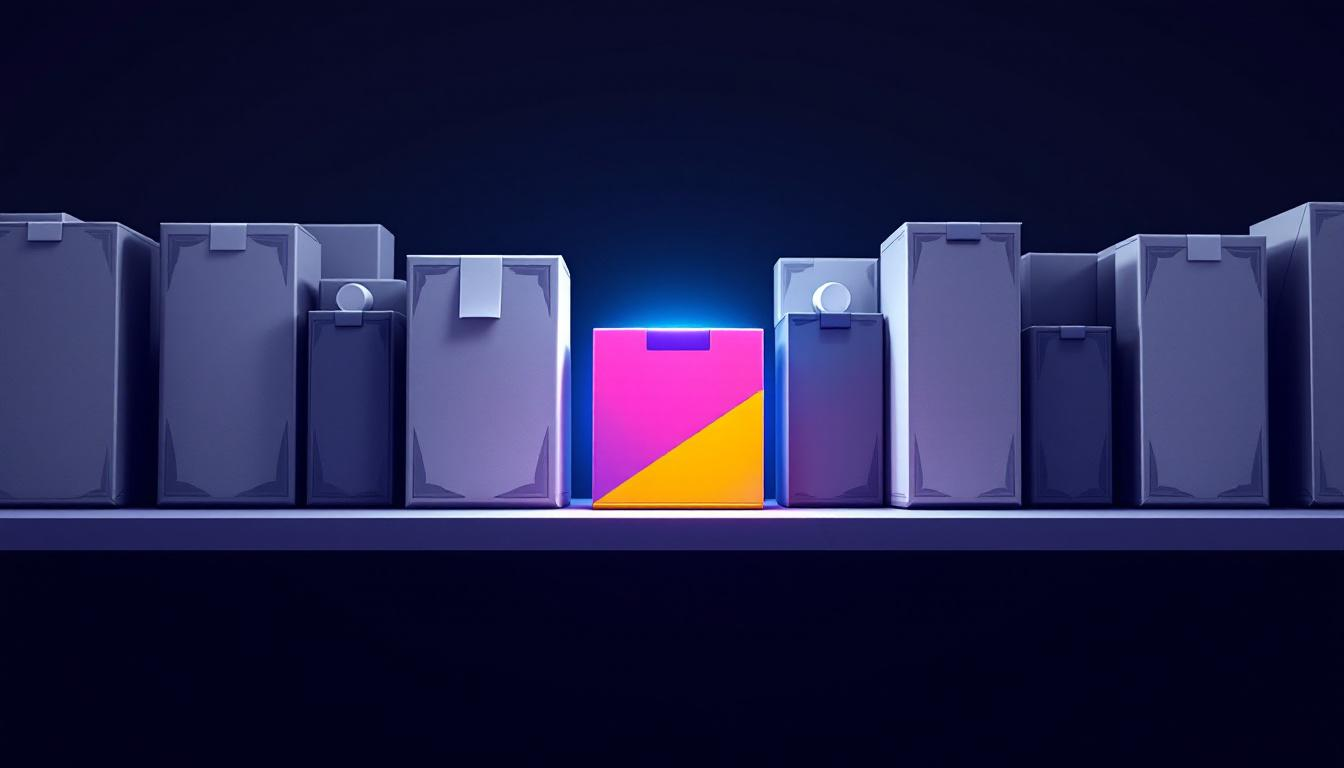
Think back to the last time you walked through a grocery store cereal aisle. A hundred boxes lined up next to each other. Most of them are functionally similar — crunchy stuff, milk, breakfast. So how do you decide which one to grab?
Three things:
- Brand affinity. You’ve had it before, you like it, you reach for it without thinking.
- Packaging. The colors, the imagery, the headline on the front of the box, the bullet points on the back. You can’t open the box and taste it in the aisle, so you judge based on packaging.
- Price. A factor, but mostly only after the first two have narrowed your options.
Now picture your blog post sitting on the internet. Except instead of a hundred boxes, it’s competing with millions of options on Google, social feeds, email inboxes, and AI summaries. Brand affinity helps (your email subscribers, your loyal readers). But for anyone discovering you cold — through search, through a referral, through social — the only thing they have to evaluate you on is the packaging.
If your packaging doesn’t earn the click and then earn the read, the content inside never gets a chance.
What “Packaging” Actually Means For Content
Packaging is everything about the visual presentation of your post that someone evaluates BEFORE reading the body:
- The headline. First and most important. Decides the click.
- The featured image / thumbnail. Decides social shares and stops the scroll.
- The opening lines. Decides whether the click turns into a read.
- Sub-headlines. Decides whether the read continues past the scan.
- Bullets, callouts, bolded phrases. Decides whether a scanner can grasp the value in 10 seconds.
- Paragraph length and rhythm. Decides whether the post FEELS readable on mobile.
- Whitespace. Decides whether the page feels welcoming or claustrophobic.
You can have outstanding content trapped behind weak packaging. It happens constantly. The fix isn’t more writing — it’s better packaging.
The Two Types Of Readers (Most Of Them Aren’t Reading)
Every visitor to your post falls into one of two categories:
- The actual reader. They start at the top and read through. Rare.
- The scanner. They land, scan the headline, glance at sub-headlines, scroll through bullets and bolded phrases, look at images. If something specific grabs them, they slow down and read that section. If nothing does, they leave within 15 seconds.
Most of your visitors are the second type.
This pattern is more extreme now than it used to be. Mobile reading habits, AI-summary tools, and a more general attention crisis have all pushed people further into scanner mode. Your post has to work for the scanner FIRST. The reader is a bonus.
Good packaging gives the scanner enough signal to either:
- Decide the post is worth their time and slow down, OR
- Extract the key insight in 30 seconds and leave with something useful
Bad packaging gives them no anchor points. So they leave with nothing.
Bad Packaging vs Good Packaging
Bad packaging includes:
- A generic, abstract, or unclear headline
- No featured image, or a generic stock photo
- Long paragraphs of unbroken text
- Few or no sub-headlines
- No bullet points
- No emphasis (no bolding, no callouts, no quotes)
- Everything looks visually identical
Good packaging includes:
- A specific, promise-driven headline (numbers, outcomes, contrast)
- A distinctive featured image that’s recognizable at thumbnail size
- Short paragraphs — 2-3 sentences max
- Sub-headlines every few hundred words to break the flow
- Bullets and numbered lists for any list of more than 2-3 items
- Strategic bolding to anchor key phrases for scanners
- Callout boxes for the 2-3 most important takeaways
- Variation in visual rhythm — bullets, then prose, then a callout, then a sub-headline
Notice the pattern: good packaging adds visual texture and decision points throughout the post. Bad packaging makes the reader work to find anything.
A 2026 Note: Packaging Matters Even More Now
Three forces have raised the stakes on content packaging in the last few years:
Google’s AI Overviews. When someone searches, Google now often shows an AI-generated summary at the top before any blog posts. If your post is going to compete with that summary, it has to offer something the summary can’t… and the reader has to be able to SEE that quickly. Good packaging is what lets a click-through justify itself.
AI-assisted reading. Tools like ChatGPT and Claude can now summarize any article you paste in. Readers increasingly do exactly this — they don’t read the post, they ask AI to summarize it. Your packaging has to give the AI clear structural signals (semantic headings, lists, callouts) so the summary actually captures your value. Bad packaging produces bad summaries, which produces bad word-of-mouth.
Mobile-first reading. A majority of blog traffic now lands on mobile. Long unbroken paragraphs that worked on a desktop screen feel suffocating on a phone. Packaging that wasn’t designed for mobile readability functionally doesn’t exist for half your audience.
The conclusion is simple: packaging used to be a nice-to-have for getting more readers. Now it’s a baseline requirement for getting any readers at all.
How To Actually Package A Post: My Workflow
The thing I learned years ago is that writing the content and packaging the content are two separate jobs. Trying to do them at the same time produces inconsistent results.
Here’s the workflow I use:
- Write the draft. No formatting beyond paragraph breaks and basic headings. Just get the ideas down.
- Take a break. Even 30 minutes helps. Coming back with fresh eyes is critical.
- Read it from the outside. Pretend you’ve never seen this post and you just landed on the URL. What grabs you? What’s confusing? What feels too long?
- Pass 1: Structural packaging. Add or refine sub-headlines. Make sure each section starts with a clear hook. Break long paragraphs into shorter ones. Add bullets where there’s a list.
- Pass 2: Visual packaging. Add a featured image. Add inline images where they help. Strategic bolding on key phrases. 2-3 callout boxes for the most important takeaways.
- Pass 3: Mobile sanity check. Preview on your phone. Long paragraphs you didn’t notice on the desktop suddenly look like walls of text. Fix them.
- Pass 4 (optional, 2026 addition): AI summary test. Paste the post into Claude or ChatGPT and ask it to summarize. If the summary captures your actual value proposition, the packaging is working. If it misses the key insight, your packaging is failing.
This is more work than just writing. But it’s the difference between content that gets read and content that gets skipped.
Headlines Get The Click. Packaging Gets The Read.
If you only fix one thing, fix headlines. The headline is the single biggest determinant of whether someone clicks at all. There’s a whole separate craft to writing them — 58+ headline formulas is a deep dive worth its own afternoon if you’ve never done that work.
But once the click happens, the rest of the packaging has to carry the weight. Sub-headlines, formatting, callouts, images — every single element either keeps the scanner engaged or lets them slip away.
Where To Go From Here
Audit your last 5 published blog posts for packaging. Not the writing — the packaging. Ask yourself:
- Does the headline make a specific promise?
- Is the featured image distinctive at thumbnail size?
- Are the first two paragraphs short and punchy?
- Are there sub-headlines every 200-400 words?
- Are bullets used for any list of more than 2 items?
- Are the 2-3 key takeaways visually emphasized in some way?
If you can’t answer “yes” to most of those, your packaging is leaving traffic on the table. The content might be great. It just doesn’t have a chance to prove it.
If you want the broader companion to this piece — how to structure a blog post from scratch, not just package it — Anatomy Of The Perfect Blog Post is that piece.
And if you’d like a second pair of eyes on your specific blog and what’s actually holding back your content from converting, that’s exactly what we work through on a Strategy Call. One hour together, an honest look at the work you’ve already published, and a clear plan for the structural fixes that would actually move your numbers.