

Basecamp has a section called “Docs & Files”. This is where you should upload files and documents that you need to share with me.
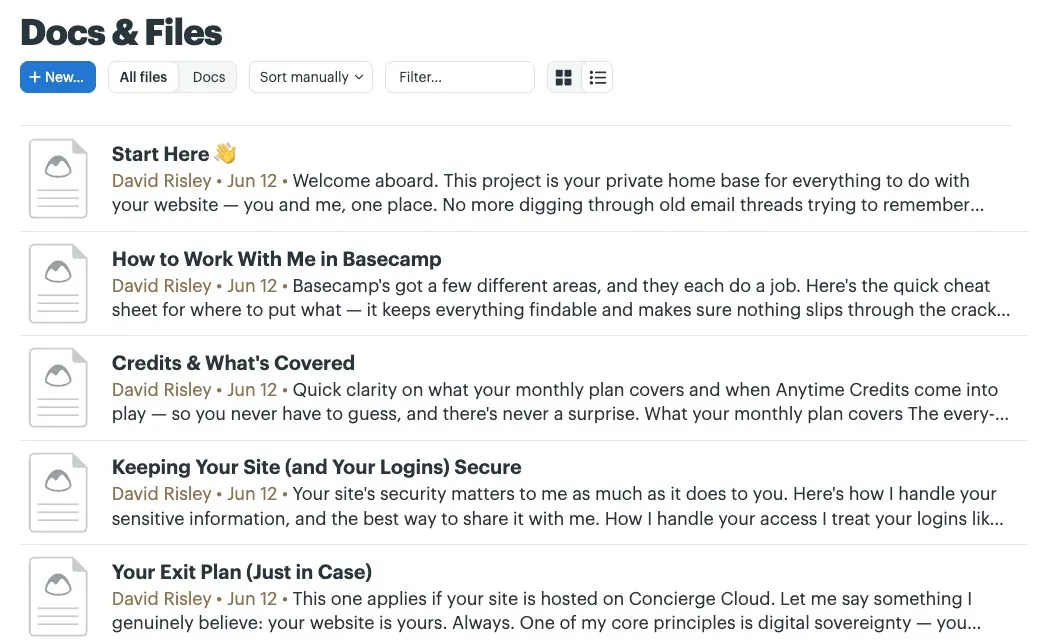
You can also embed images and documents into individual message threads or comments, however if it is a file we may need to go back and reference other times, it really helps to store in the “Docs & Files” area for better accessibility.
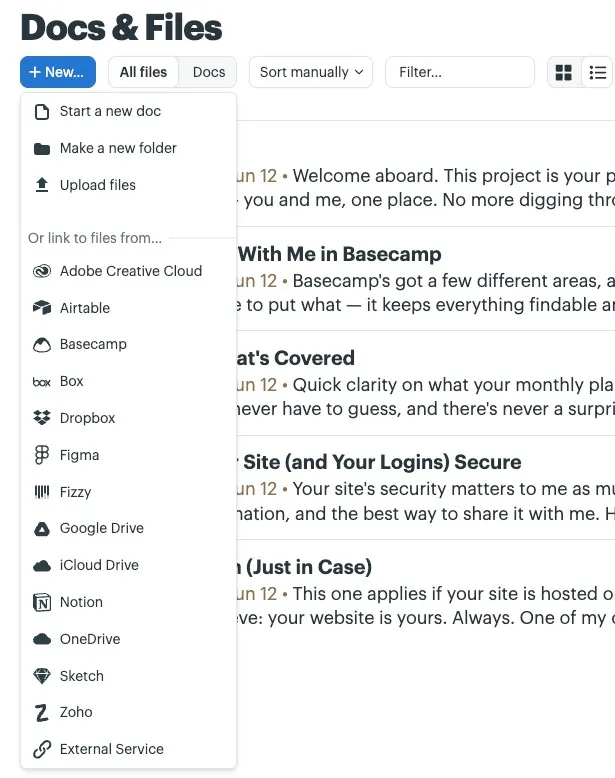
Even if the file is on a third-party system such as Google Drive or Dropbox, you can still post it to the “Docs & Files” area. This way we have everything in one, central hub versus a bunch of random links scattered across multiple conversations.
When you go to add a new file, you’ll get a dropdown of services you can link from (Google Drive, Dropbox and plenty of others). You can also directly upload it to Basecamp for storage.
You can give each file a nice plain-English name as well that way we both know what we’re looking at later on.